
They want to know if it is for them
A page for each use case and each kind of customer, in their words, lets the right visitor recognize themselves before they decide whether to try it.
Websites for startups and SaaS companies that turn launch traffic and paid clicks into demo requests, sign-ups and waitlist emails. Each use case and each audience gets its own page, the product is shown working, and the site is built light, so paid clicks are not lost to a slow first load.
PageSpeed Insights on the home pages of the 7 sites we link as our work, measured November 2026, the median of three runs each.
An early-stage site has to explain something new to people who have never heard of you, often in the few seconds after they click an ad or a launch post. Investors, early customers and future hires all read it. The site that says plainly who it is for, shows the product and asks for one clear next step does more than one that tries to say everything.
A page for each use case and each kind of customer, in their words, lets the right visitor recognize themselves before they decide whether to try it.
Real screens, short clips and a clear walk through what it does. Abstract illustrations make a visitor guess.
Ads, launch posts and newsletters send bursts of visitors to one page. That page has to load quickly on a phone and ask for one thing.
A clear about page, the team, and pages that change as the product does show a company that is moving.
Every feature and every audience on one scroll. Separate pages for each use case give each audience its own answer and give search engines something to rank.
If changing a headline takes a ticket and a deploy, the site falls behind the product. The pages you change often need to be editable by the team.
Large scripts and video backgrounds lose visitors before the page finishes loading, and every lost visitor is a click you paid for.
Without events on the sign-up, demo and waitlist forms, nobody can tell which page or campaign is working.
A page for each problem you solve and each kind of customer you sell to, written in their words.
Real screens and short clips, sized to load quickly, with what each part does for the customer.
Pages built for an ad group or a launch, with one form or button and nothing to distract from it.
Connected to the CRM or email tool you use, with the events set up in your analytics.
Where you want it, the site is built on a CMS so marketing can update the pages you change most without a developer.
For product updates and the articles that bring people in from search.
Each use case and product page goes live with its title, heading, schema and internal links in place, and the pages are kept light for Core Web Vitals. That gives your use case pages a chance at the people searching for the problem you solve, which keeps working after the launch traffic fades.
For the search work after launch, see SEO for startups.
On top of the speed, accessibility, SEO, hosting handover and training that come with every build.
A reference site with a checker visitors run themselves and an embed other sites can add, a tattoo artist’s site with a design library, and a solar installer’s site built around a calculator that sizes a system from the customer’s own bill. Open them on your phone.
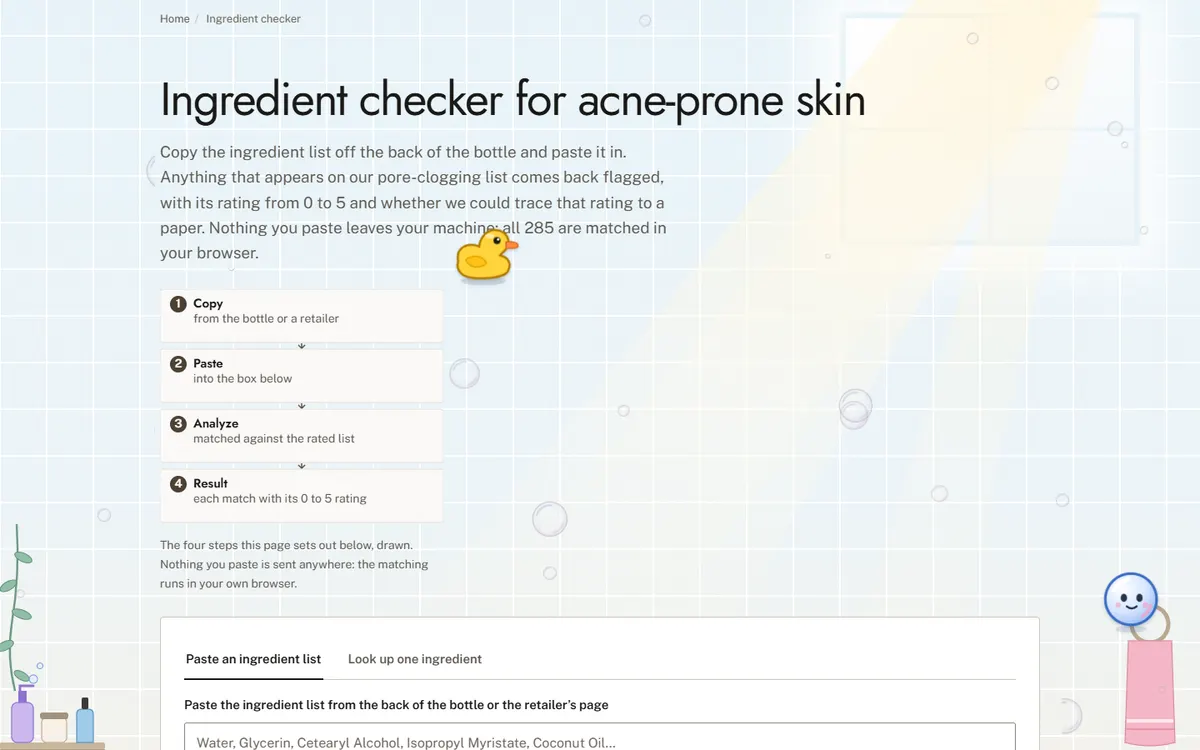
Open the live site of the skincare ingredient reference (opens in a new tab)
A reference site that rates pore-clogging skincare ingredients, with a checker that reads a whole ingredient list.
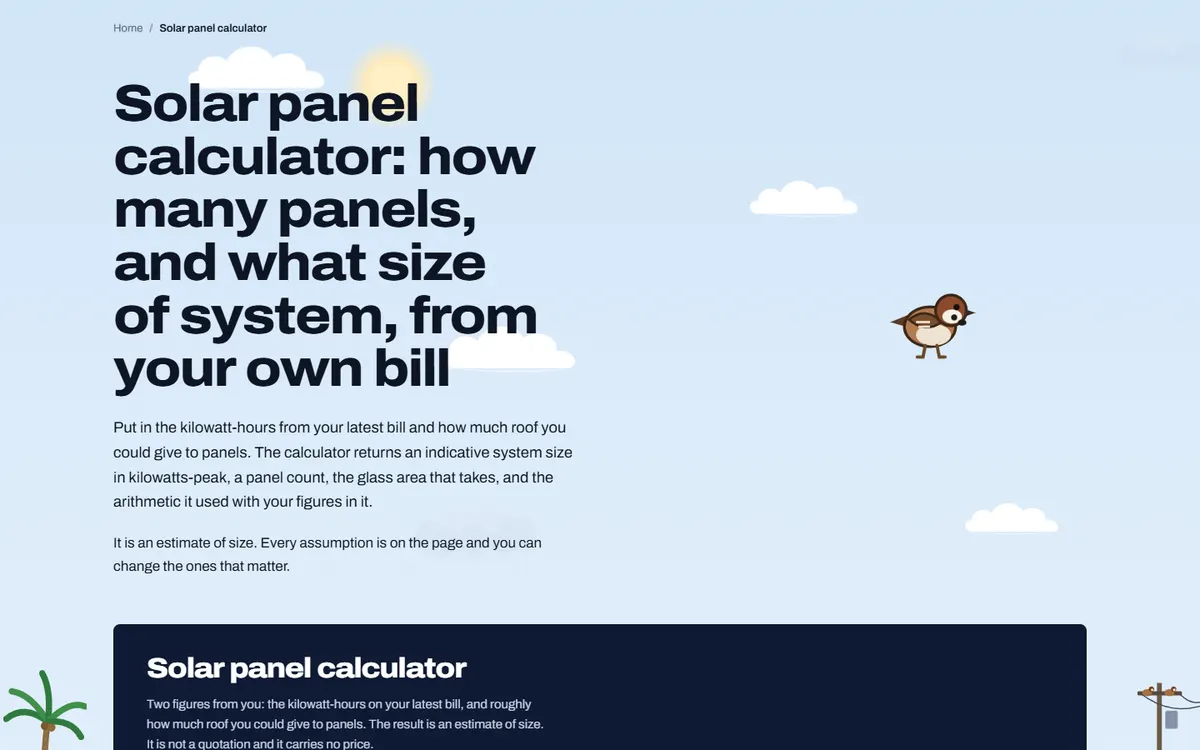
Open the live site of the solar installer (opens in a new tab)
A site for a solar panel installer, built around a calculator that sizes a system from the customer’s own electricity bill.
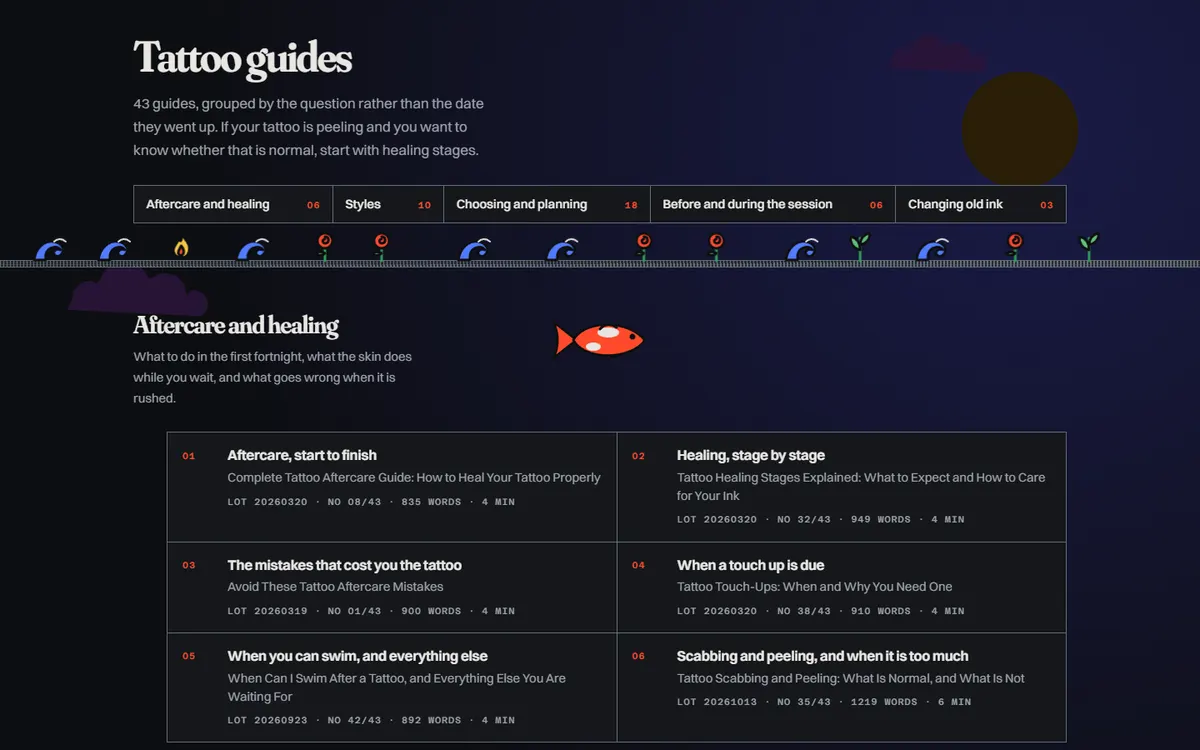
Open the live site of the tattoo artist (opens in a new tab)
A site for a tattoo artist who travels to the client, with a library of designs and aftercare guides.
Six stages on every site, whichever platform it is built on. The scope and the quote are agreed in writing after the first call, before any design starts.
01
What the site has to do, who it is for and what exists today. If there is a site already, we read its Search Console first, because the pages earning impressions decide what the new one must keep.
02
Every page listed with the search it answers and the action it asks for. On a redesign, every old URL is written beside its new home. You sign the map off before design starts.
03
Pages designed with your actual words and pictures, at phone width first. You review in the browser, on a staging address search engines are told to ignore.
04
Titles, descriptions, headings, schema and internal links are written as each page is built, so nothing is added at the end by somebody who never saw the page map.
05
Speed measured on a phone, every page at 320px wide and at 200 percent text, keyboard and screen reader checks, forms sent and received, redirects tested against the new build.
06
The switch, then Search Console read daily for two weeks. The domain, hosting and logins stay in your name, with a written note of how the site is built and a recorded session on editing it.
Speed
Measured in PageSpeed Insights on a phone before launch. Images sized for the slots they fill, fonts that do not block the page, no script a page does not use.
Accessibility
Text contrast, keyboard use, visible focus, alt text written for each picture, 44px tap targets on phones, and every page readable at 200 percent text.
SEO foundations
One title, description and H1 per page, schema, a sitemap that matches the site, clean URLs, redirects from every old address, and Search Console set up in your name.
Hosting handover
The domain, the hosting and every login in your name. We set the site up on your host, recommend one, or host it for you; either way you can move it.
Training
A recorded call showing whoever edits the site how to change a page, add a post and swap a picture, and a short written guide to keep beside it.
Two weeks after launch
Search Console, forms and errors checked daily for the first two weeks, and anything the launch broke fixed straight away.
It depends on how many pages you need at launch and what the site connects to, such as your CRM, analytics or a content editor. We talk through what you need first, then send one written quote.
Yes, if the site is built on a CMS, which we can do for the pages you change most. Some teams prefer to keep everything in code, and that works too.
Yes. Many startups launch with one page and a waitlist, then add use case and product pages as the product takes shape. The first page is built so the rest can follow.
Usually, yes, if your CRM accepts form submissions. Forms post to the CRM or email tool you use, and the events you need for ads and analytics are set up and checked before launch.
Search takes longer for a new domain, so launch traffic and ads usually come first. The use case pages are written for what your customers search, so they can start to show up as the site gains links and age.
You do. The domain, the code and the content are yours, in a repository you control.
A 30-minute call in your business hours. Tell us what work you want more of and where, and we will tell you what we would do first and what it involves. Prefer to write? Use the form, with or without a website, and the Passieon Team will reply within two business days.
Message us
Ask anything about your site or where your inquiries are going. It goes straight to a person, not a bot. Leave an email and you get a reply.