
Your team publishes often
Posts, case studies, news and job listings go up without a developer, in the most familiar editor there is.
WordPress is popular for good reasons. Anyone on your team can edit a page, it runs on almost any host, and when you change developers the next one already knows it. Its problems are mostly self-inflicted: a theme built to sell a demo, a page builder that wraps every paragraph in six layers of markup, and a plugin for every small job until the site takes five seconds to load on a phone.
PageSpeed Insights on the home pages of the 7 sites we link as our work, 14 Oct 2026.
We build WordPress sites the other way round. A light theme, or a block theme made for your site. Editing kept in the WordPress editor your team already uses. As few plugins as the job allows. And the SEO written into the templates before launch, so a plugin is configured rather than asked to fix the theme afterwards.
Posts, case studies, news and job listings go up without a developer, in the most familiar editor there is.
WordPress runs on your hosting, under your domain, and the files and database are yours to move. Nothing is rented from a platform that can change its terms.
Bookings, memberships, a directory, several languages, a shop with WooCommerce: there is a maintained plugin for most of it and custom code for the rest.
A site that is mostly pages and rarely changes is often faster and cheaper to run as a static build. We say which on the first call.
Designed from a page map and built on a light theme or a block theme made for the site, with reusable blocks so a new page is assembled rather than designed again.
The same content moved off a heavy theme or page builder onto a clean build, with every URL kept or redirected and the speed measured before and after.
Product, category and checkout templates built for speed, with product schema and the category copy a shop needs to be found.
A plugin conflict, a template that breaks on phones, a form that stopped sending, a feature the theme cannot do: scoped and fixed without a rebuild.
Most of the WordPress SEO work we are hired for is undoing defaults. Tag and author archives indexed by accident, attachment pages, a title template that prints the site name twice, a page builder that turns headings into styled text. On a site we build, those decisions are made in the templates on day one, so there is nothing to undo later.
If the site already ranks, the pages that earn are mapped before anything changes, and their titles, headings and URLs are carried across on purpose.
For a WordPress site that already exists and needs the SEO side fixed, see WordPress SEO services.
On top of the speed, accessibility, SEO, hosting handover and training that come with every build.
We have no live WordPress build to link yet. The WordPress work we can show runs the other way: each of these was a WordPress site, and we rebuilt it as a static Astro site with its old addresses mapped to the new pages.
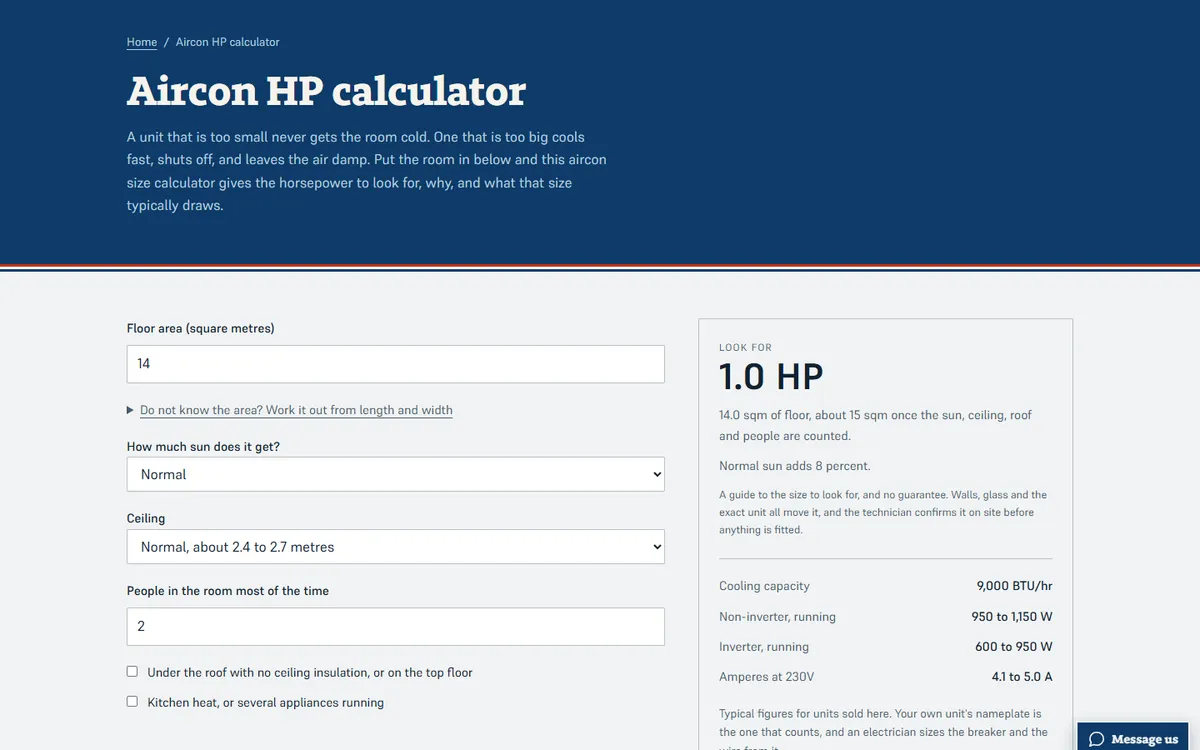
Open the live site of the aircon repair business (opens in a new tab)
A home-services site for an aircon cleaning and repair business, with two calculators customers use before they book.
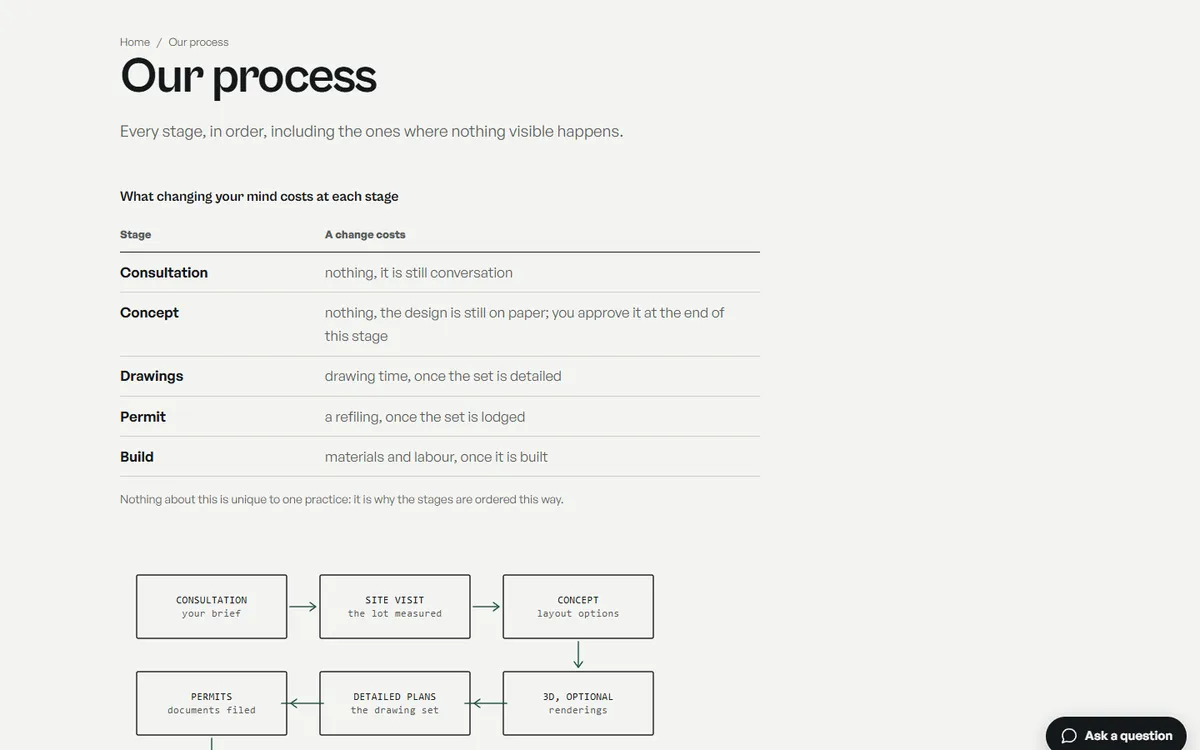
Open the live site of the architecture practice (opens in a new tab)
A site for an architecture practice: custom homes, renovations and permits, with the process drawn stage by stage and a lot coverage calculator.
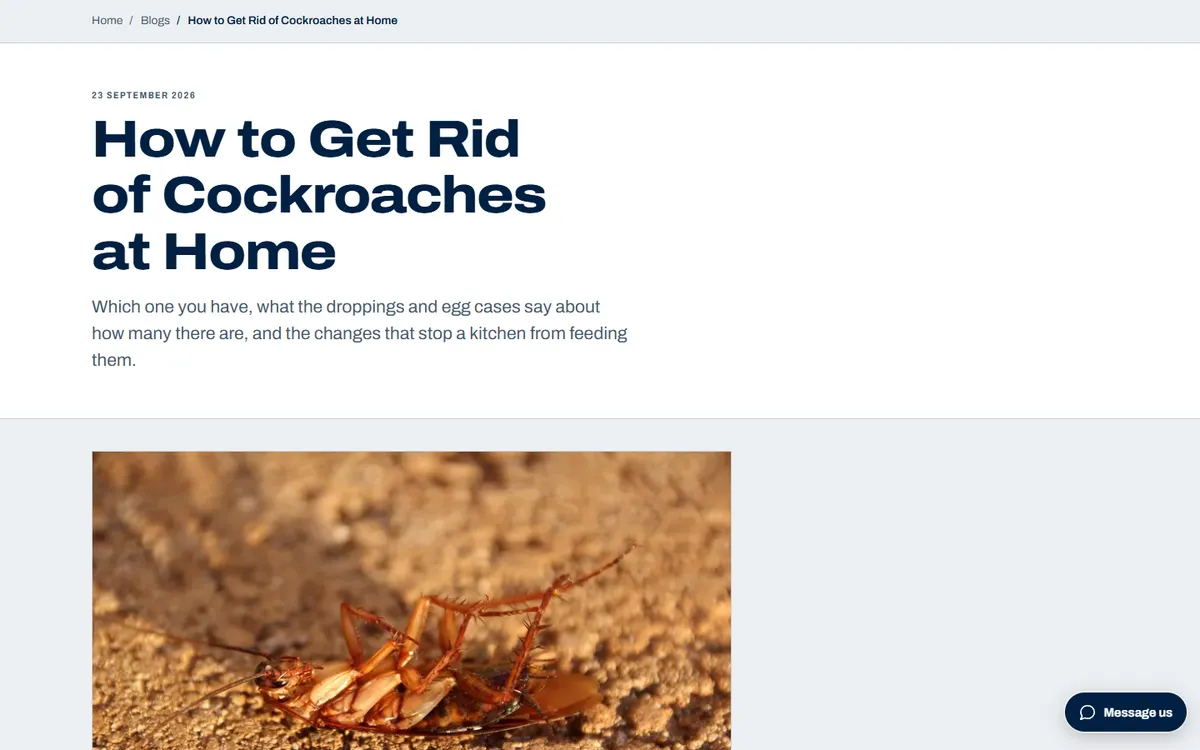
Open the live site of the pest control company (opens in a new tab)
A home-services site for a pest control company: a page for each treatment, a library of pest guides and a droppings identifier.
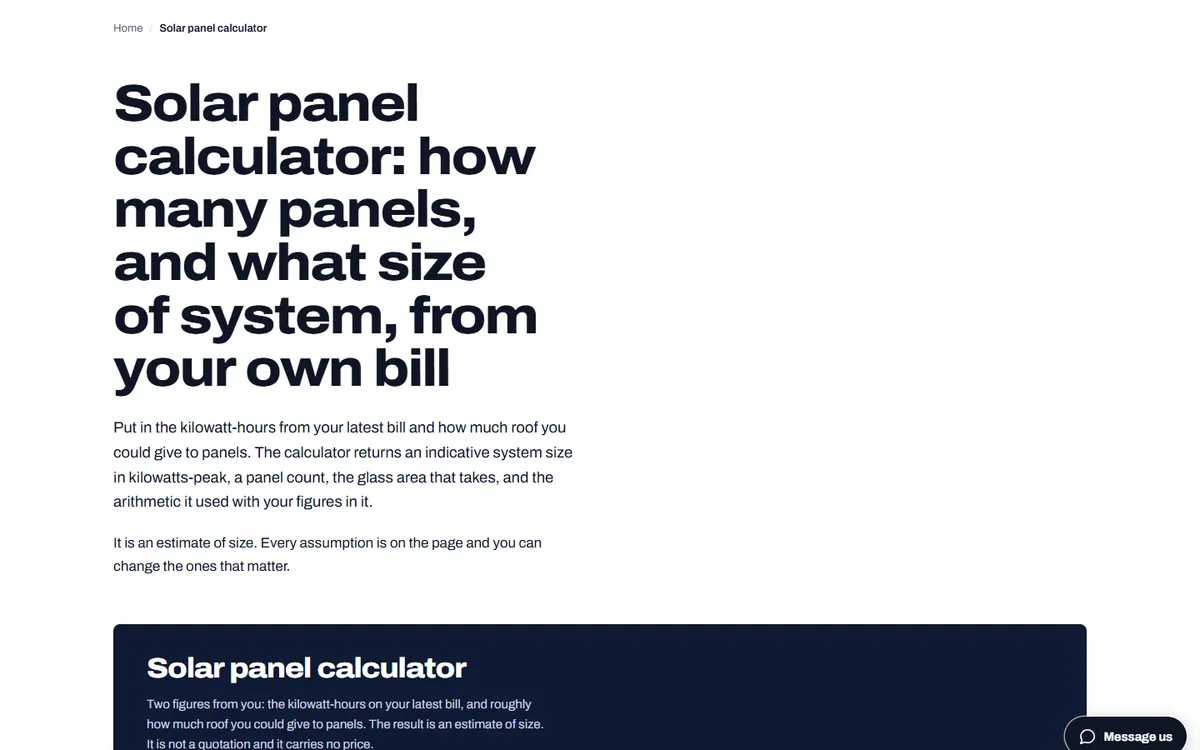
Open the live site of the solar installer (opens in a new tab)
A site for a solar panel installer, built around a calculator that sizes a system from the customer’s own electricity bill.
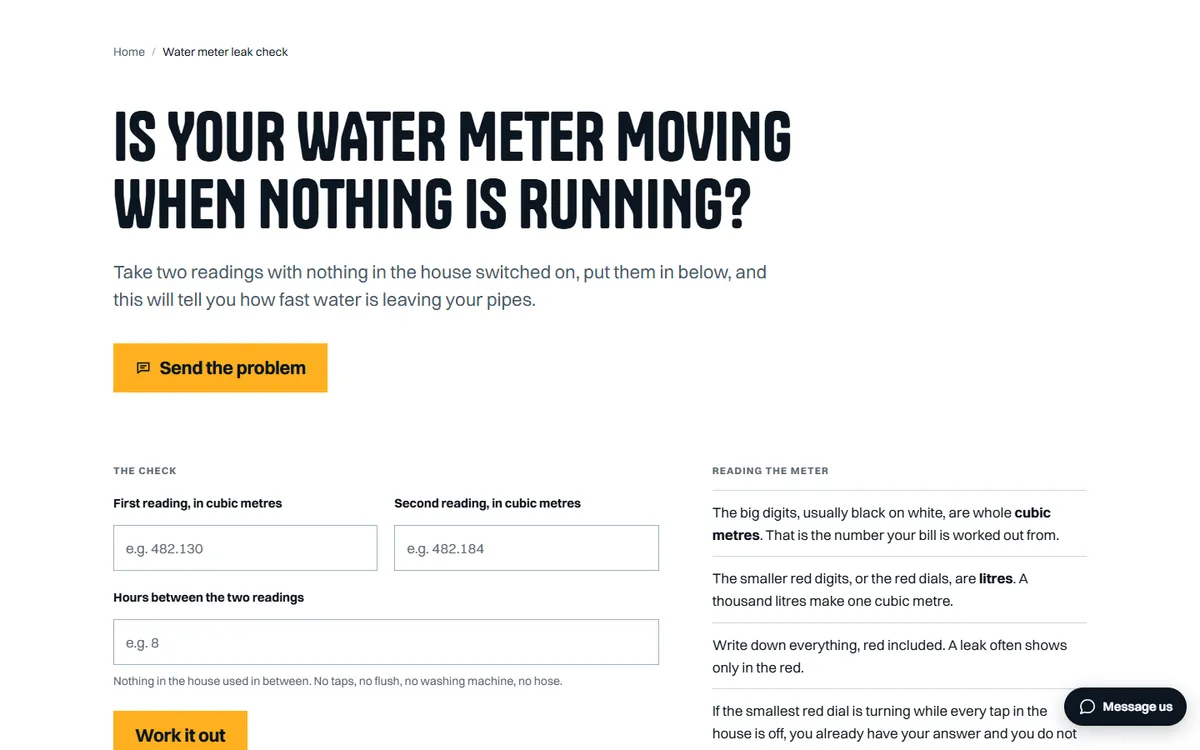
Open the live site of the plumbing business (opens in a new tab)
A home-services site for a plumber open seven days, with a water meter leak check customers run themselves.
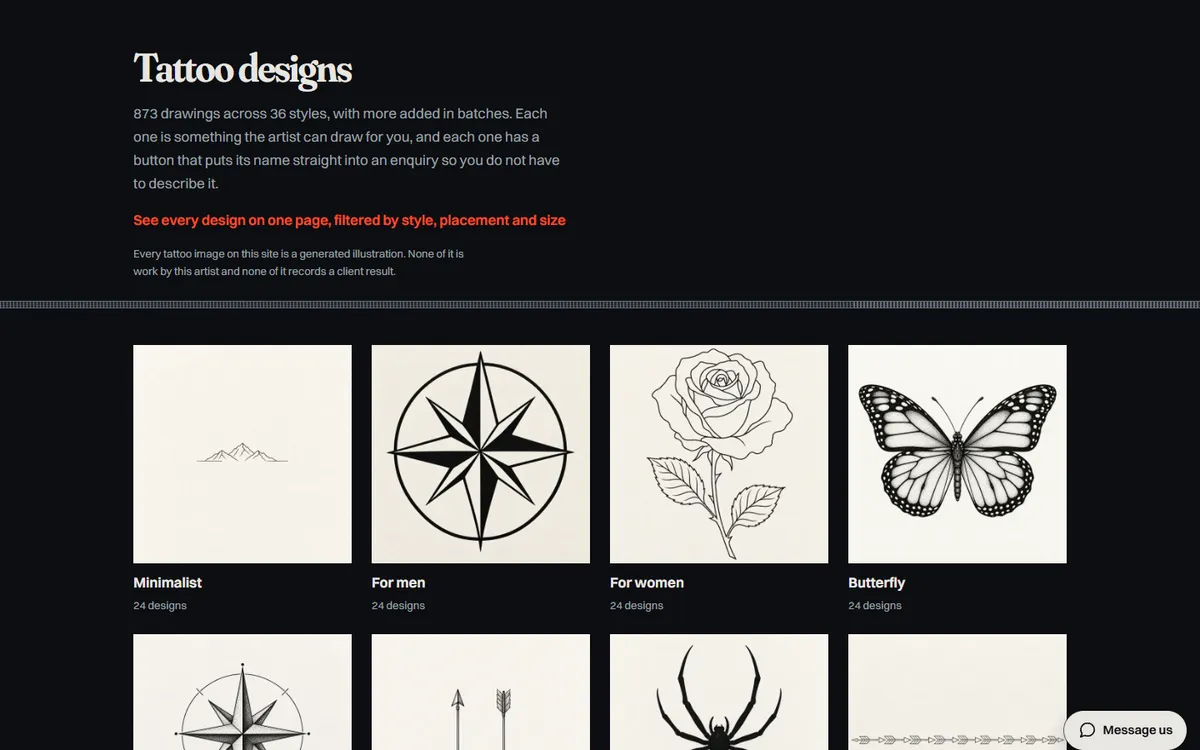
Open the live site of the tattoo artist (opens in a new tab)
A site for a tattoo artist who travels to the client, with a library of designs and aftercare guides.
Six stages on every site, whichever platform it is built on. The scope and the quote are agreed in writing after the first call, before any design starts.
01
What the site has to do, who it is for and what exists today. If there is a site already, we read its Search Console first, because the pages earning impressions decide what the new one must keep.
02
Every page listed with the search it answers and the action it asks for. On a redesign, every old URL is written beside its new home. You sign the map off before design starts.
03
Pages designed with your actual words and pictures, at phone width first. You review in the browser, on a staging address search engines are told to ignore.
04
Titles, descriptions, headings, schema and internal links are written as each page is built, so nothing is added at the end by somebody who never saw the page map.
05
Speed measured on a phone, every page at 320px wide and at 200 percent text, keyboard and screen reader checks, forms sent and received, redirects tested against the new build.
06
The switch, then Search Console read daily for two weeks. The domain, hosting and logins stay in your name, with a written note of how the site is built and a recorded session on editing it.
Speed
Measured in PageSpeed Insights on a phone before launch. Images sized for the slots they fill, fonts that do not block the page, no script a page does not use.
Accessibility
Colour contrast, keyboard use, visible focus, alt text written for each picture, 44px tap targets on phones, and every page readable at 200 percent text.
SEO foundations
One title, description and H1 per page, schema, a sitemap that matches the site, clean URLs, redirects from every old address, and Search Console set up in your name.
Hosting handover
The domain, the hosting and every login in your name. We set the site up on your host, recommend one, or host it for you; either way you can move it.
Training
A recorded call showing whoever edits the site how to change a page, add a post and swap a picture, and a short written guide to keep beside it.
Two weeks after launch
Search Console, forms and errors checked daily for the first fortnight, and anything the launch broke fixed straight away.
On a site that already uses one and works, we work inside it. For a new build we usually do not, because a builder adds weight to every page and its markup is hard to keep fast and accessible. The block editor now covers most of what people install a builder for.
Yes, in the normal WordPress editor. Pages are built from blocks and patterns, so adding a service page or a post does not need a developer, and the handover includes a recorded session on doing exactly that.
Yes. Posts, pages, images and users move across, and every URL that changes gets a redirect that is tested against the new build before launch. The pages that earn impressions in your Search Console are checked again after the switch.
We can, or we set the site up on your host, or recommend one. Either way the hosting account, the domain and the logins are in your name.
A 30-minute call in your working hours. Tell us what you sell and where, and we will tell you what we would do first and what it involves. Prefer email? Send your website through the form and the Passieon Team will reply within two working days.
Message us
Ask anything about your site or where your enquiries are going. It goes straight to a person, not a bot. Leave an email and you get a reply.