
Tax season brings the volume
Searches for a tax preparer or a CPA near them peak from February to April. The tax pages need to be live, fast and clear about what to bring and how to book before January.
Websites for CPA firms, tax practices and bookkeepers that bring in the clients you want to keep all year. Tax preparation, bookkeeping and advisory each get their own pages, each kind of client you serve gets a page written for them, and documents go through a secure client portal instead of email.
PageSpeed Insights on the home pages of the 7 sites we link as our work, measured November 2026, the median of three runs each.
Tax searches multiply several times over between summer and March, and most of those people want a return filed. The clients who pay a firm best, the business owner who needs monthly books, payroll and someone to plan with, search all year and look harder at who you are. A site can serve both if it keeps them apart.
Searches for a tax preparer or a CPA near them peak from February to April. The tax pages need to be live, fast and clear about what to bring and how to book before January.
Bookkeeping, payroll, small business accounting and fractional CFO work are searched all year by owners who want to know you understand businesses like theirs.
Contractors, medical practices, restaurants, real estate investors, nonprofits. A page for each kind of client you know well tells them you have done this before.
People are sending you tax returns and bank statements. A clear, secure way to upload them, and a line on how you protect them, matters more on an accounting site than almost anywhere else.
Tax, audit, bookkeeping, consulting, all on one page. Nobody can tell whether you work with businesses like theirs.
An inbox full of attachments is a risk to them and to you. A link to your client portal on every page avoids it.
A new site that goes live in February misses much of the season. The build belongs in the fall.
Clients hire a person they will trust with their numbers. Partner and staff bios with credentials do more than a photo of a calculator.
Individual and business tax, bookkeeping, payroll, advisory and any specialty you offer, each with who it is for and how you work.
For each industry or kind of client you know well, written about their questions and the way you work with them.
A link to the client portal you already use on every page where it is needed, and a short note on how you keep files safe.
What to bring, deadlines, how to book and what happens after you file, ready to feature from January.
Partner and staff bios with CPA licenses, enrolled agent status and the work each person leads.
A short form that asks what they need and whether it is personal or business, or a booking link for a first call.
The tax, bookkeeping and client type pages go live with their titles, headings, schema and internal links in place, and your office address and hours match your Google Business Profile. Your tax pages can then show up when people near you start searching in February, and your client type pages can reach the business owners who search the rest of the year.
For the search work after launch, see SEO for accountants.
On top of the speed, accessibility, SEO, hosting handover and training that come with every build.
A solar installer whose calculator works from a customer’s own bill, a reference site with a checker that reads a whole ingredient list, and an architecture practice that sells professional services. Open them on your phone.
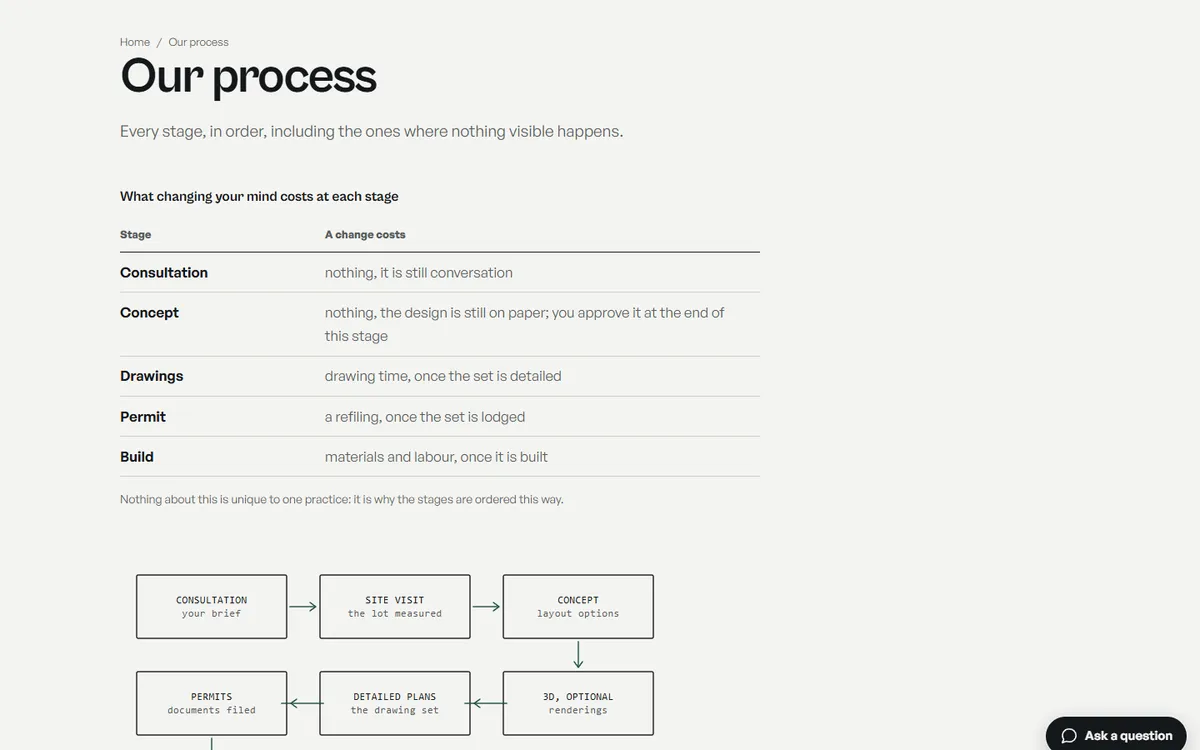
Open the live site of the architecture practice (opens in a new tab)
A site for an architecture practice: custom homes, renovations and permits, with the process drawn stage by stage and a lot coverage calculator.

Open the live site of the skincare ingredient reference (opens in a new tab)
A reference site that rates pore-clogging skincare ingredients, with a checker that reads a whole ingredient list.
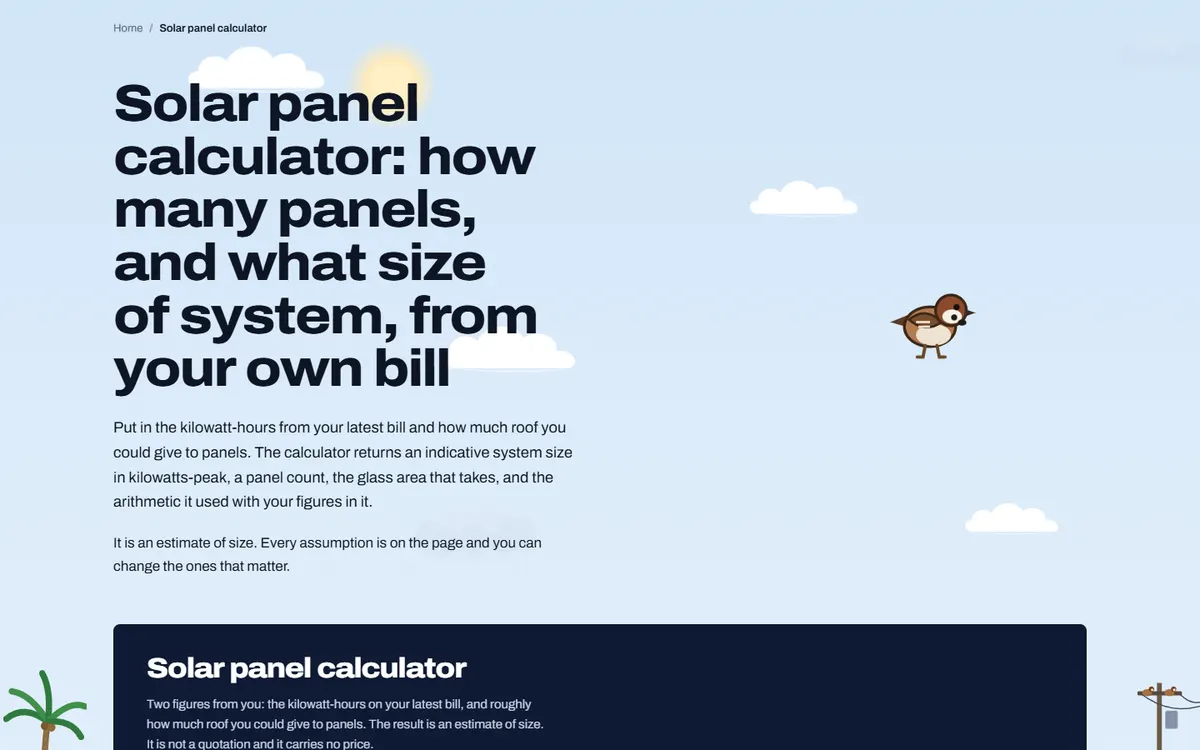
Open the live site of the solar installer (opens in a new tab)
A site for a solar panel installer, built around a calculator that sizes a system from the customer’s own electricity bill.
Six stages on every site, whichever platform it is built on. The scope and the quote are agreed in writing after the first call, before any design starts.
01
What the site has to do, who it is for and what exists today. If there is a site already, we read its Search Console first, because the pages earning impressions decide what the new one must keep.
02
Every page listed with the search it answers and the action it asks for. On a redesign, every old URL is written beside its new home. You sign the map off before design starts.
03
Pages designed with your actual words and pictures, at phone width first. You review in the browser, on a staging address search engines are told to ignore.
04
Titles, descriptions, headings, schema and internal links are written as each page is built, so nothing is added at the end by somebody who never saw the page map.
05
Speed measured on a phone, every page at 320px wide and at 200 percent text, keyboard and screen reader checks, forms sent and received, redirects tested against the new build.
06
The switch, then Search Console read daily for two weeks. The domain, hosting and logins stay in your name, with a written note of how the site is built and a recorded session on editing it.
Speed
Measured in PageSpeed Insights on a phone before launch. Images sized for the slots they fill, fonts that do not block the page, no script a page does not use.
Accessibility
Text contrast, keyboard use, visible focus, alt text written for each picture, 44px tap targets on phones, and every page readable at 200 percent text.
SEO foundations
One title, description and H1 per page, schema, a sitemap that matches the site, clean URLs, redirects from every old address, and Search Console set up in your name.
Hosting handover
The domain, the hosting and every login in your name. We set the site up on your host, recommend one, or host it for you; either way you can move it.
Training
A recorded call showing whoever edits the site how to change a page, add a post and swap a picture, and a short written guide to keep beside it.
Two weeks after launch
Search Console, forms and errors checked daily for the first two weeks, and anything the launch broke fixed straight away.
It turns on how many services and client types you want pages for and what the site connects to, such as your portal or a booking tool. We quote it in writing after a short call. There are no packages to pick from.
The safest way is to link to the client portal you already use, so documents never pass through the website or email. If you do not have one yet, we can suggest a few that firms your size use.
In the fall, if the tax season matters to you, so the site is live and settled before searches climb in January.
State boards of accountancy, and the AICPA code for its members, bar advertising that is false, misleading or deceptive. We write plainly, avoid promises and leave the final read of credentials and claims to you.
Your services, client types and office details are on the pages and in the schema, and they match your Google Business Profile. Reviews and the firms around you matter as well, and we look at your searches together on the call.
Your firm does. The domain is registered in the firm’s name, and the site and its files are yours to take anywhere.
A 30-minute call in your business hours. Tell us what work you want more of and where, and we will tell you what we would do first and what it involves. Prefer to write? Use the form, with or without a website, and the Passieon Team will reply within two business days.
Message us
Ask anything about your site or where your inquiries are going. It goes straight to a person, not a bot. Leave an email and you get a reply.